Nov 6, 2014 12:21 PM UTC
Question

Re: Creo 3 rendering

Roy,

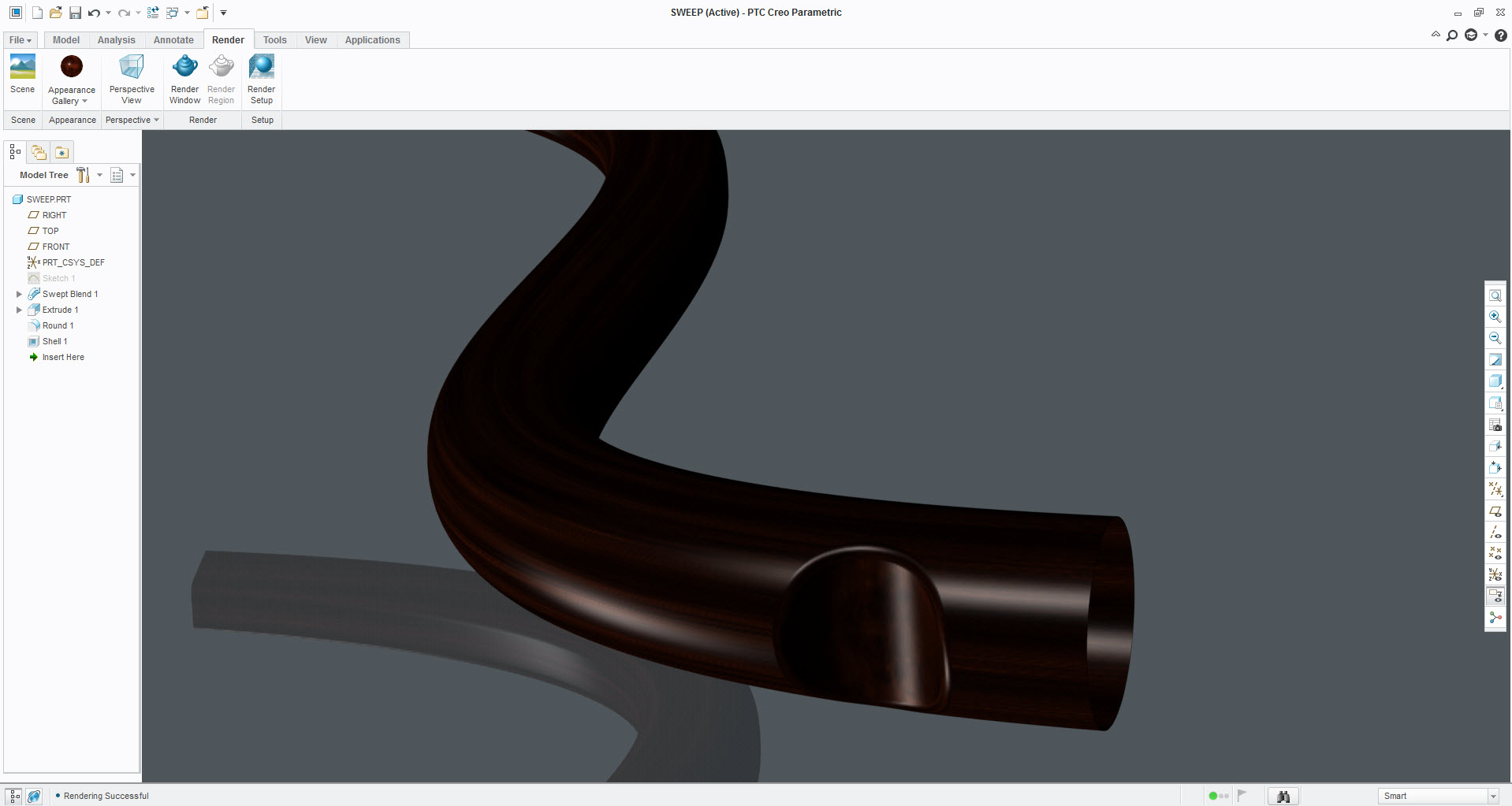
Are you refering to the below images? The second figure is using the render window on the same part and color.
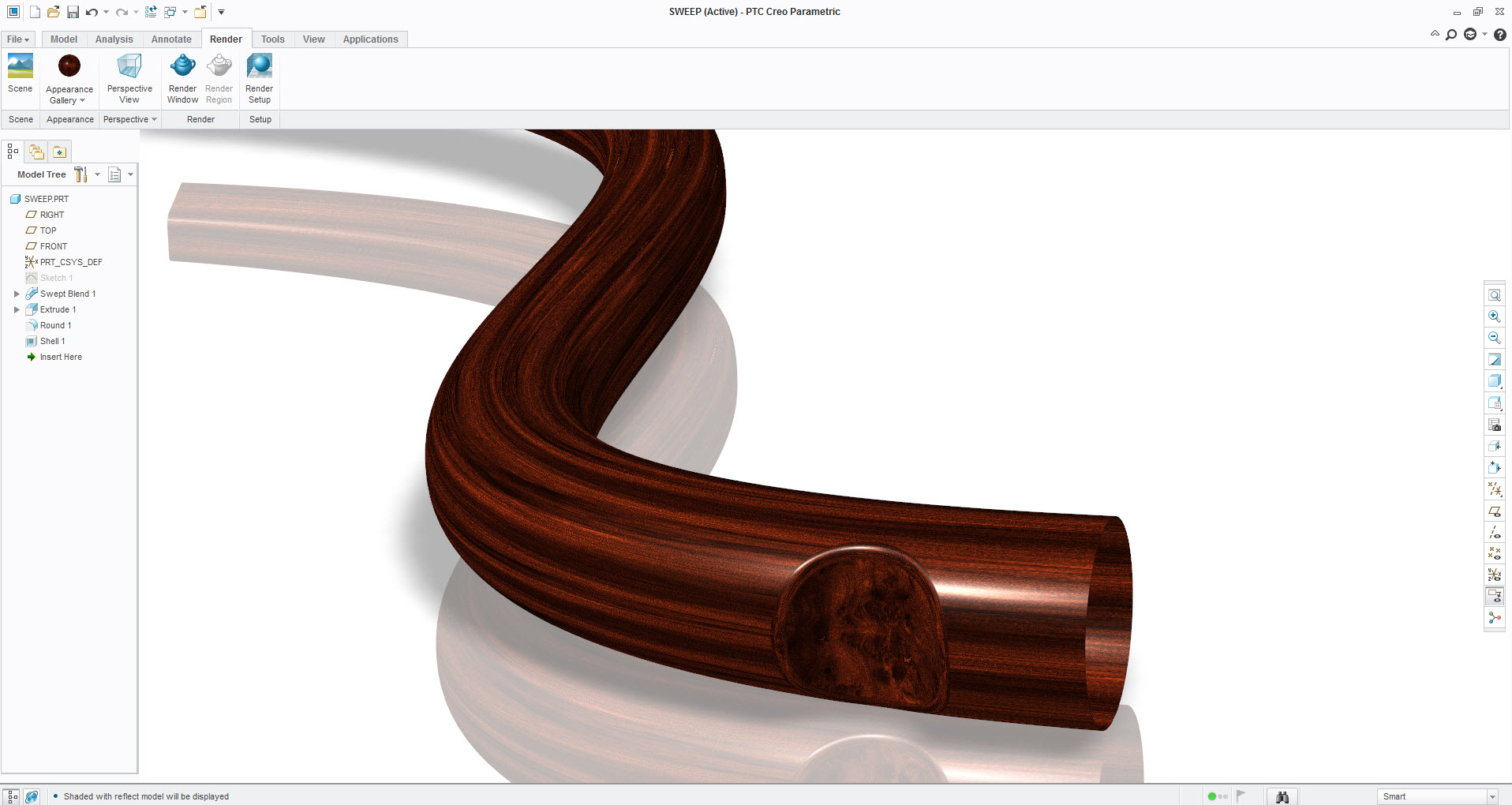
render_wood_01.jpg

render_wood_02.jpg

    3 replies

    Nov 6, 2014 12:38 PM UTC

    Yes Stephen - I'm referring particularly to the sort of thing you have in the render window. I have previously managed to get excellent renders with Creo 2 such as the one below but it just isn't happening with Creo 3.

    Roydolphin_box5.jpg

    Nov 6, 2014 12:45 PM UTC

    Stephen,

    It seems that the wood grain effect in Render on all the 'timbers' I've tried from the library do not give a satisfactory result on a cuboid shape with end grain and side grain as we can in Creo2.

    Regards,

    Bob

    Nov 6, 2014 1:02 PM UTC

    Bob

    Couldn't agree more. For some reason the rendering appeared to change in later builds of Creo 2. I am using M120 at school and the 'default' renders are darker than in earlier releases but at least the grain is visible and tweaks to the lighting give good renders.

    With Creo 3 the grain is just not showing.

    The first image below is with Creo 2, the second with Creo 3 - same scene and lighting.

    RoyCreo+2+Render.jpgCreo++3+Render.jpg
