
Nov 5, 2014 8:30 PM UTC
Question

Re: Creating smooth blends

Moha,

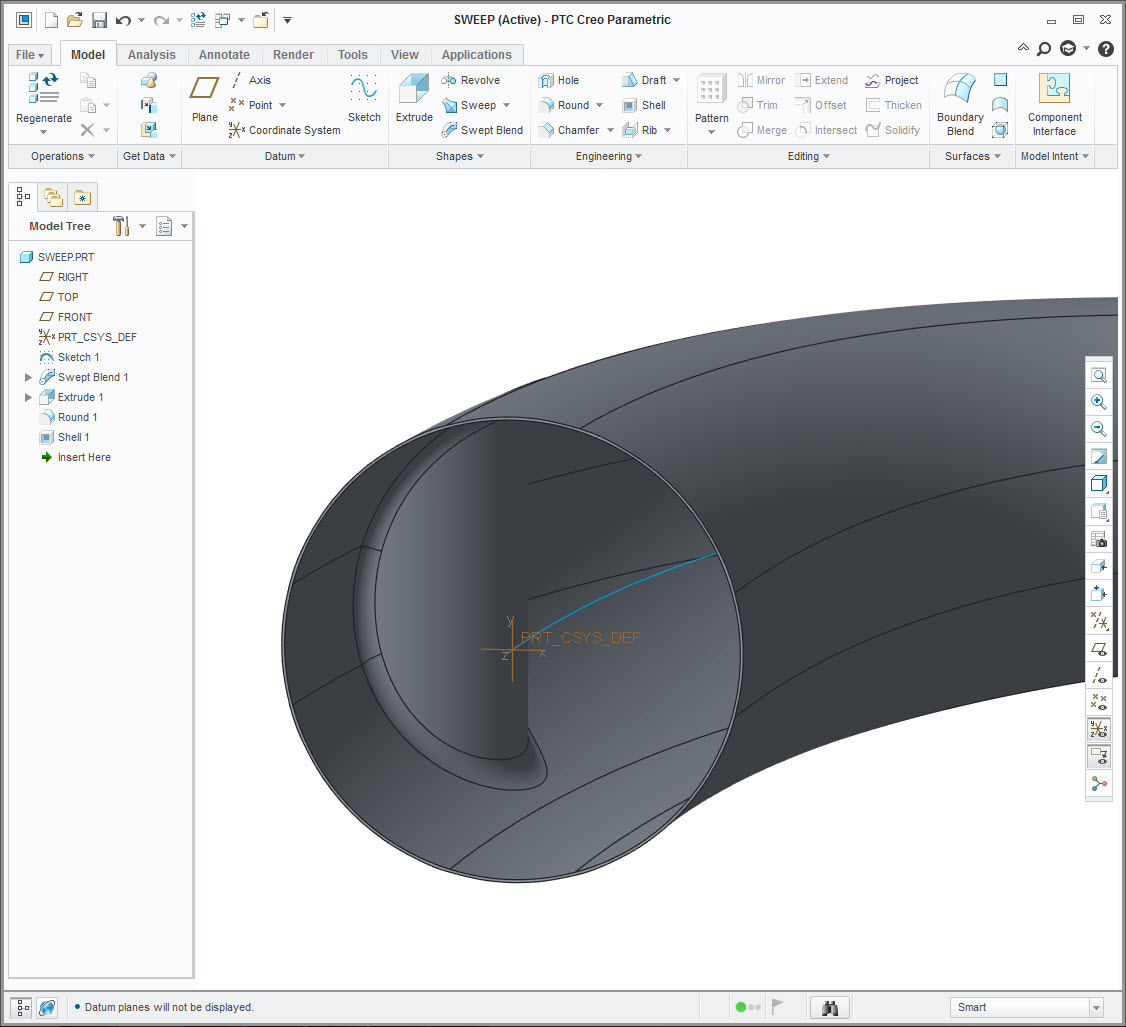
You may want to try sketching the six sections with equal number of entities, sweep it as a solid, notch out the relief, then shell it. This way, you won't have to worry about using the round feature. Just a thought. Images posted below.
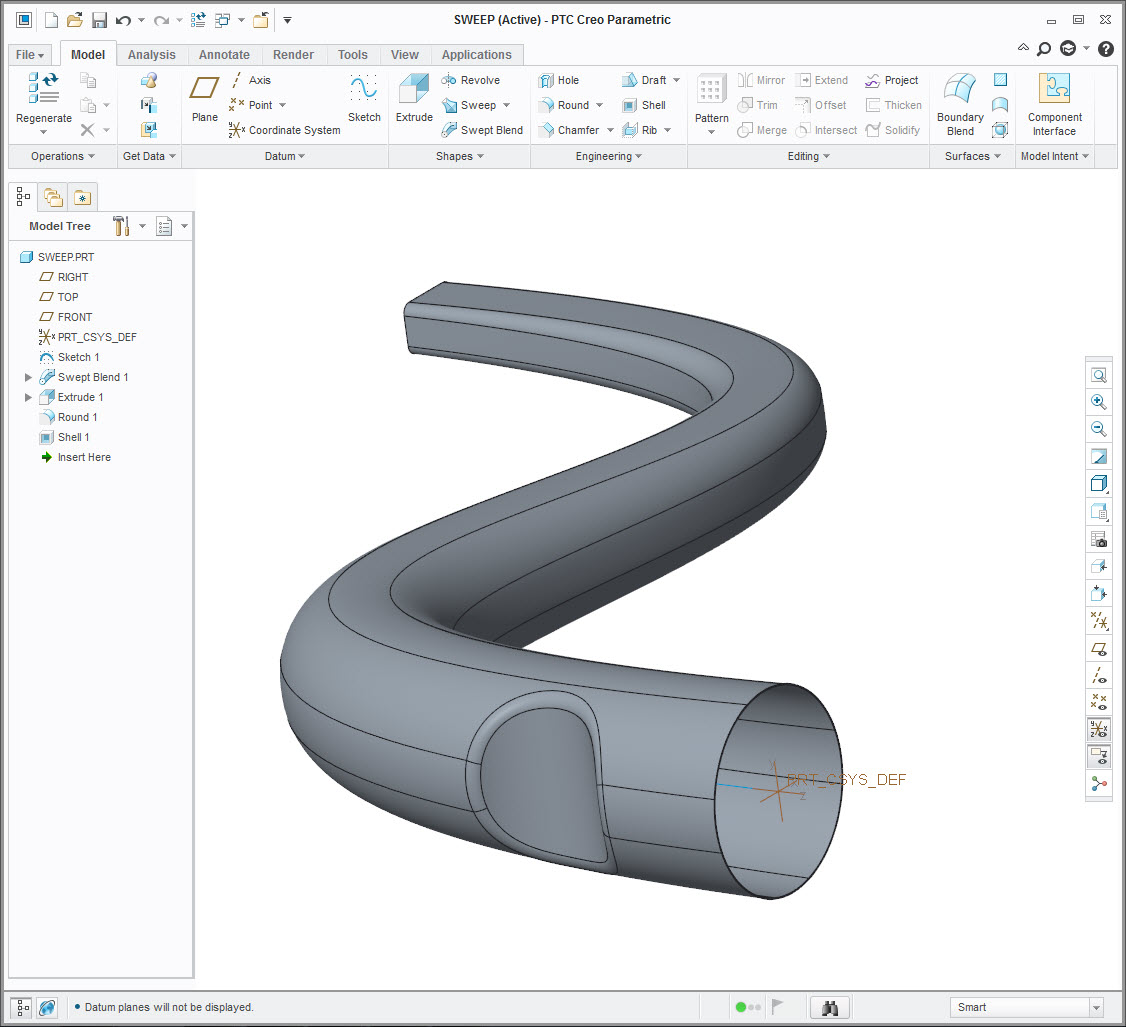
sweep.jpg

sweep2.jpg

Welcome to the forum.

    5 replies

    Nov 5, 2014 11:22 PM UTC

    A single continuous sweep is indeed a better solution. If you use the import feature only as a guide, you can get a much cleaner sweep/blend. The origin is a central axis in this case where control sections are at vertices of the origin.

    channel_III.PNG

    Nov 9, 2014 11:11 AM UTC

    Steven

    I need to use surface for two reasons: I cut the material with the channel faces, and I need it to offset the channel to create other features, The sweep/blend or boundary blends seems better commands, my problem is having smooth geometry within the tight trajectory and rapid changes of sections.

    Nov 9, 2014 7:21 PM UTC

    How were the input curves and sections determined?

    Nov 9, 2014 10:09 PM UTC

    Give this one a look. I incorporated what Steven was getting at and some techniques I was trying to get across. It still uses the initial sweep trajectory, but the sections were built on the vertices of the sweep trajectory. 4 guide curves create the corners that are used in the blend sections.

    Relations are built into the last 3 sections to make sure they act together. The section in the 5th_sketch group manages the transition from rectangular to round as well as the angles of the section in the 6th_sketch group to a lesser extent.

    The attached model should give you some level of flexibility to get the shape just how you want or need it to be.

    channel_IV.PNG

    Again, Creo 2.0 full version attached.