
Apr 23, 2015 3:17 PM UTC
Question

Re: Contact surface area error

Whenever you're dealing with a lot of components for FEA (especially contact), start with a small assembly for meshing, then keep adding to the assembly. I would recommend going back to Parametric and suppressing all but the two components that won't mesh. You want all of the geometry to mesh before you start adding a lot of simulation, so you can suppress all the simulation features in Simulate and then resume them later. But first, get the geometry to mesh.
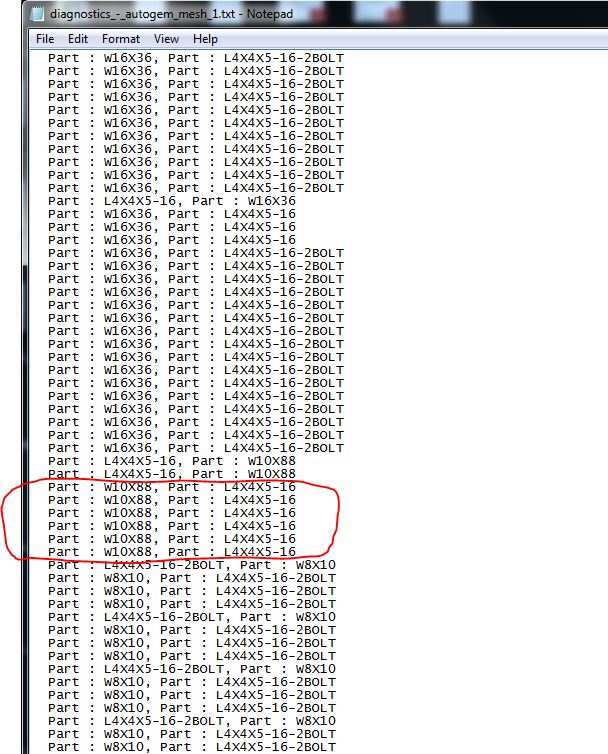
mesh_problems.JPG

    2 replies

    Apr 23, 2015 4:27 PM UTC

    Can I do that by just selecting the parts I want to mesh as "Master Reps" and then start adding from there? I usually don't run simulations on assemblies so I have to relearn every time I do this.

    Apr 23, 2015 5:05 PM UTC

    I am doing as you suggested Steven and I am able to correct the errors or at least make them "better". It is slow going but it is getting me somewhere. Thanks. I still do not know what most of these error messages mean. Do you have any ideas?