
Dec 5, 2016 9:02 PM UTC
Question

How to Add a New Fastener Type

Community,

I'm studying on how to add a new fastener type in the Help Center (image attached), and I want to add a NAS-624-28 (12-pt head) which I downloaded.  The Help Center starts off with "open the fastener instance catalog file", so I'm already at a loss.  We installed AFX today so we could use our own fasteners.  Is there a tutorial/video on how to do this (add a new fastener type)?  Thanks in advance.
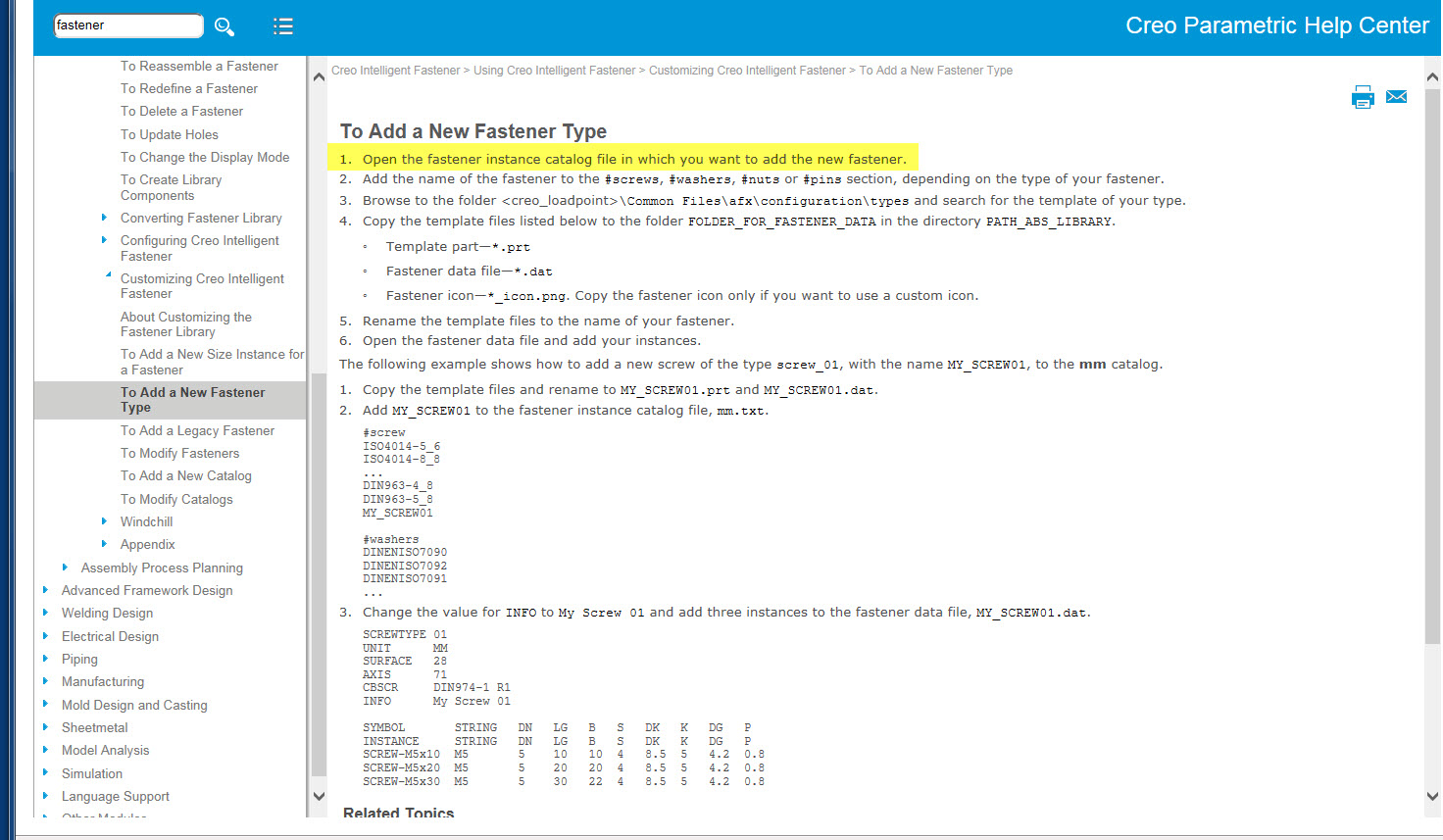
new_fastener_type.JPG

    11 replies

    Dec 6, 2016 8:09 AM UTC

    Hi,


    In the OLH you find examples on how to customize your fastener library.

    Also have a look at the Advanced Tutorial in the Creo Parametric Help Center.


    If you still find no answers in the help center, please send my your NAS-624 example part and I will show you how to include this to the IFX fastener library.


    Regards,

    Oli

    Dec 6, 2016 8:59 PM UTC

    Oli,

    From the Help Center:

    "When you purchase the licensed version of Creo Intelligent Fastener you can customize existing parts, add new parts, and include your company parts in the Creo Intelligent Fastener library.  Before doing so you must validate whether the standard to be integrated is available in the Creo Intelligent Fastener standard library.  If it is not available, a new standard is required."

    I want to add the NAS624 standard.

    1.  How do I validate the standard in Creo?

    If Creo does not have the standard,

    2.  How do I create the standard?

    Standard attached.  Thanks in advance.

    Dec 19, 2016 10:41 AM UTC


    sorry for the late response.

    Can you please send me a Creo model for this standard.


    Thanks.