Solved
Creo Parametric 2.0 - Pattern Features on a Curved Component
PTC Community,
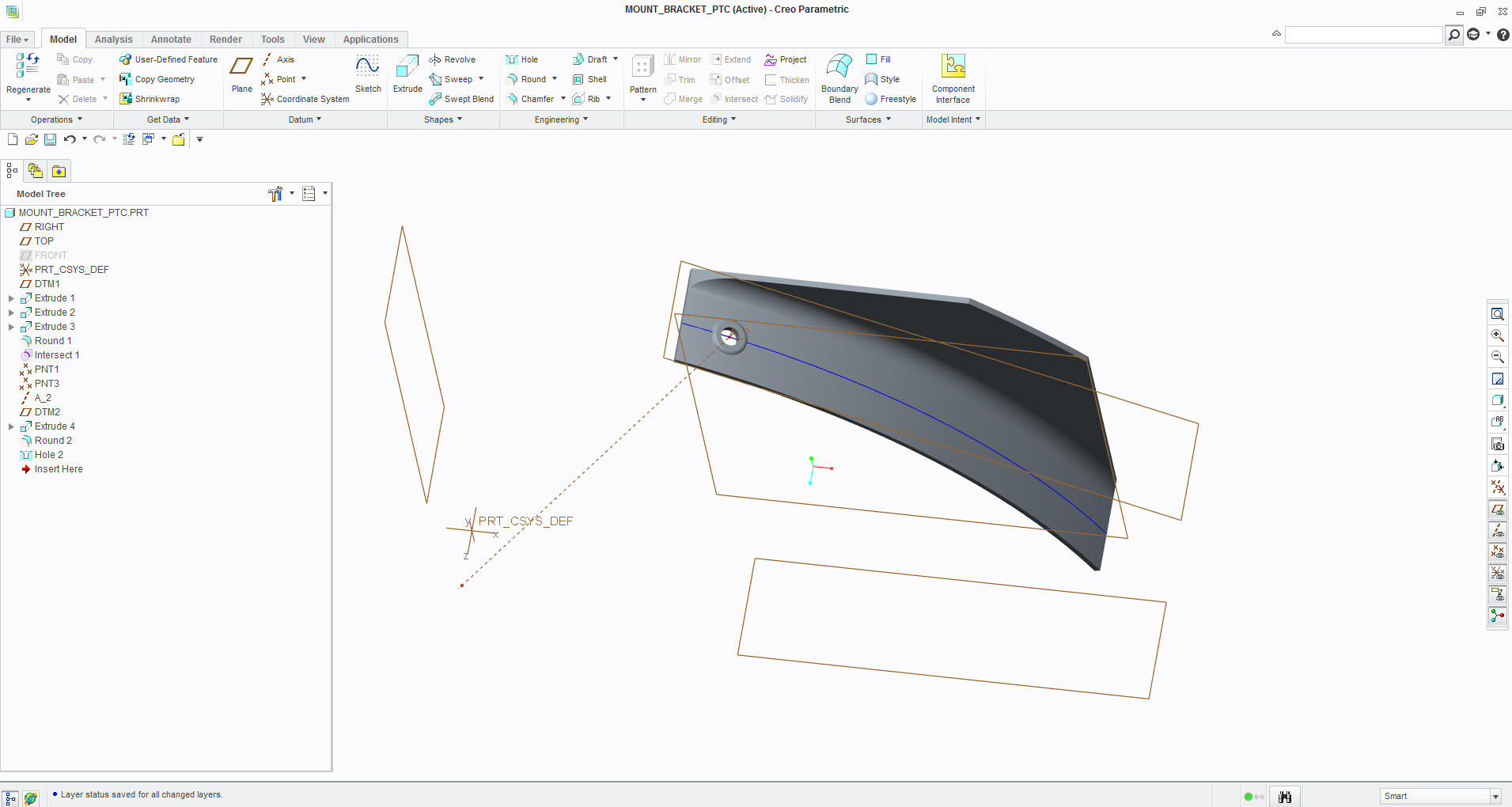
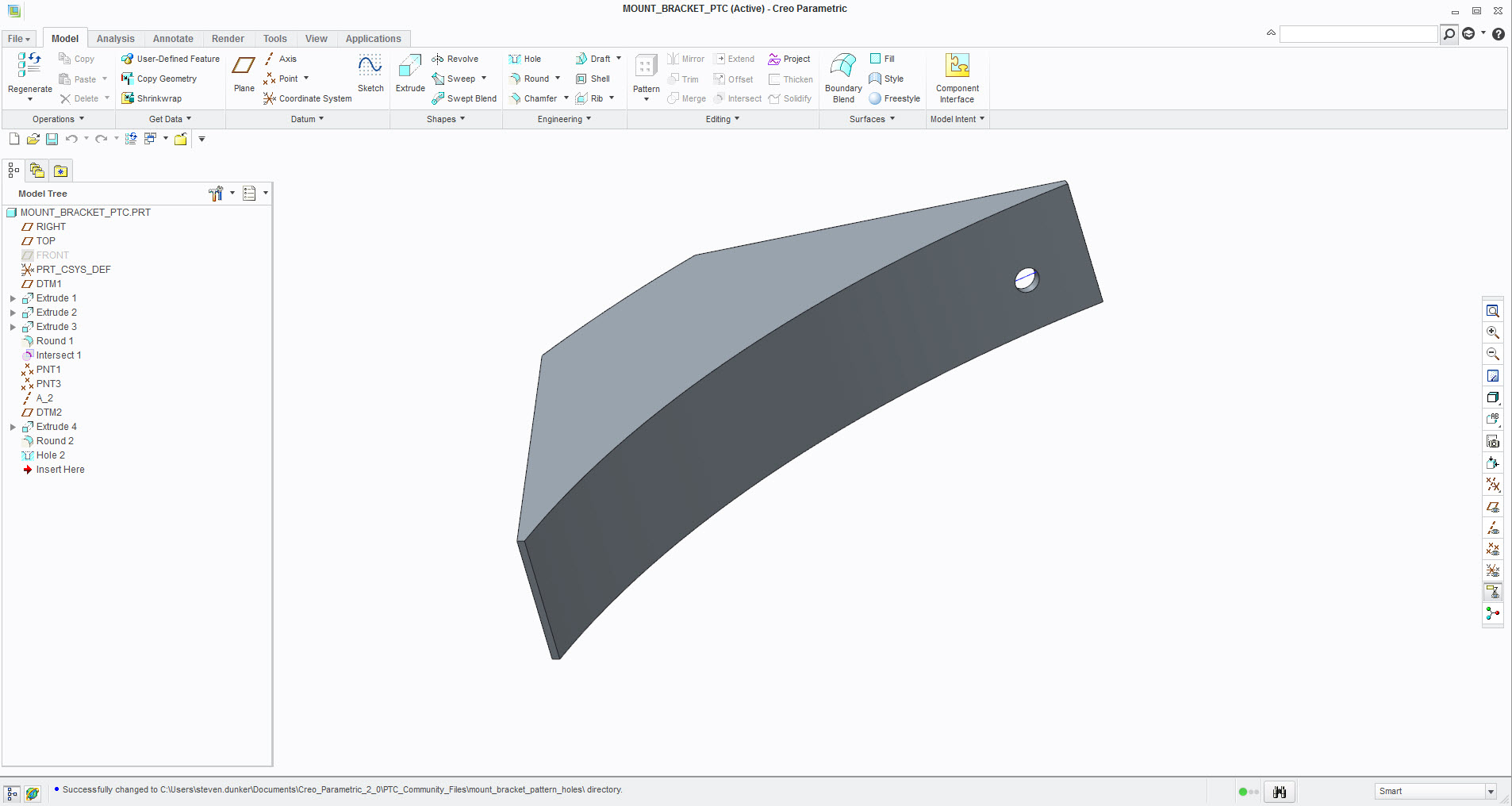
I'm trying to pattern some features on a curved component. To help facilitate visualization, I've included an image of the model, and the model itself. I would like to pattern the hole and the other features associated with the hole, extrusion, round (lower end of model tree), etc., along the blue curve. There was a recent discussion on a similar topic, as it was to pattern holes on a curved surface. I've tried to pattern features and to pattern as a group of features, nothing is "working" for me. Any suggestions and comments are welcomed. Thanks.