Question
Changing the Note Text Style Font Size - Creo Parametric 2.0 M180
Community,
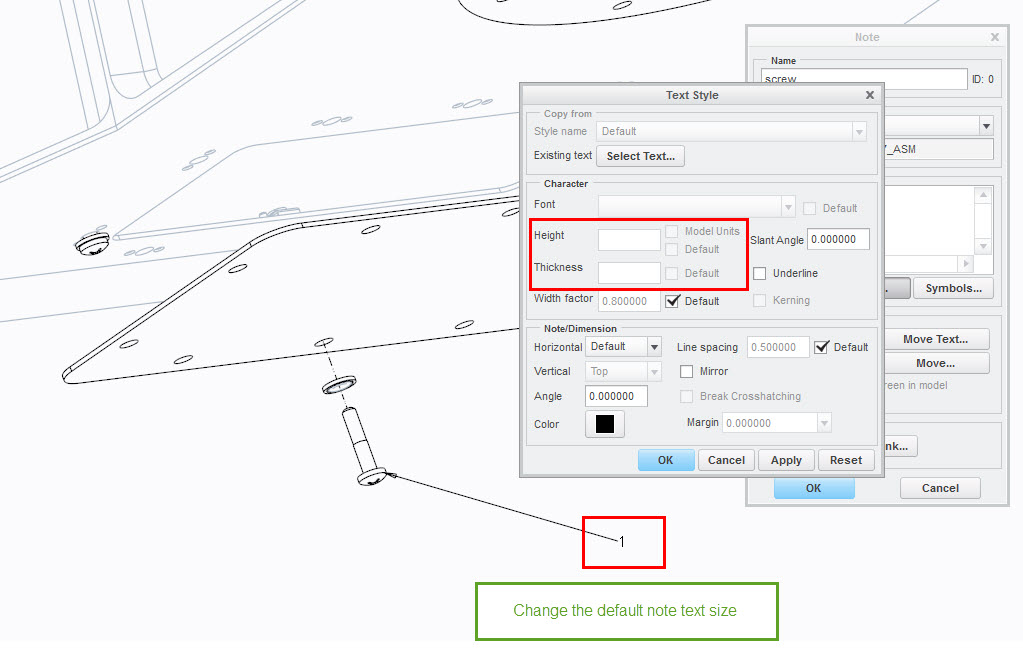
Is there a way to change the size of the text after creating a note with a leader in exploded views? I have not been able to find a config option or any other way to change it, and the Text Style dialog has the Height and Thickness grayed out, as shown in the below image. Thanks in advance.