Jan 8, 2020 4:33 AM UTC
Solved

How to change Spin Center for wrench object in Creo illustrate

Hello all,


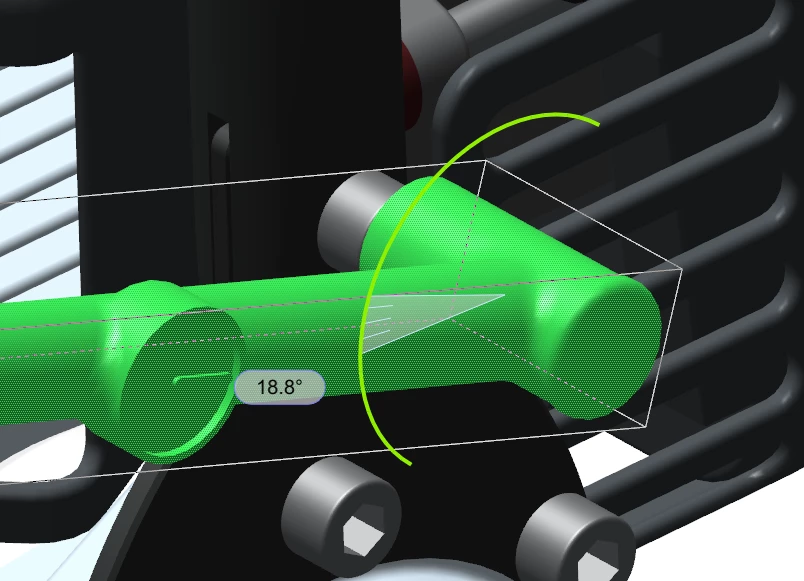
I'm trying to create some sequence in creo illustrate, I have added wrench from object. When I rotate wrench it rotate at center, I want to rotate wrench with tip of wrench is fixed to bolt. PFB PNG for reference.
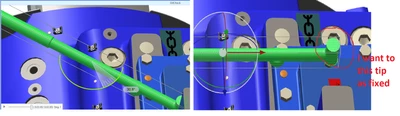
 

Velkumar_1-1578458092924.png


agarlandAnswer
Jan 8, 2020 10:07 AM UTC

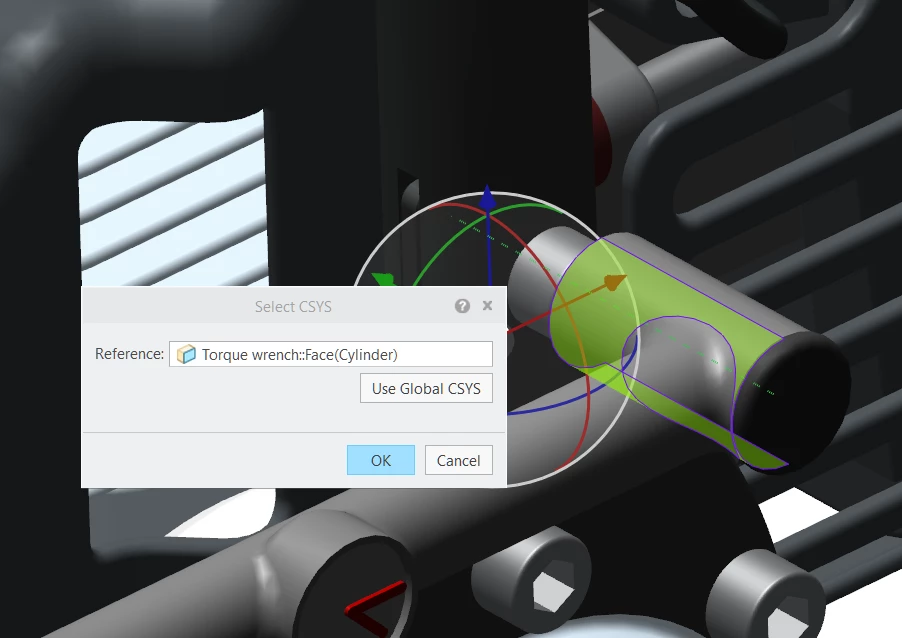
To change the the csys you need to:

  1. Select the part
  2. Right click and select "Location>Select csys"
  3. You can now define the new csys

For the wrench I would first select the cylindrical face (which then shows the axis)

Then select the axis you want to rotate around.

Select new csys.png


Rotate around new csys.pngHope this helps.


5 replies

agarlandAnswer
Jan 8, 2020 10:07 AM UTC

To change the the csys you need to:

  1. Select the part
  2. Right click and select "Location>Select csys"
  3. You can now define the new csys

For the wrench I would first select the cylindrical face (which then shows the axis)

Then select the axis you want to rotate around.

Select new csys.png


Rotate around new csys.pngHope this helps.


VelkumarAuthor
Jan 9, 2020 3:52 AM UTC

Thank you @agarland . It works.