Nov 21, 2017 1:39 PM UTC
Question

Unable to draw or open the drawings in Creo 4 student edition

Hello Everyone,


I am unable to draw any drawings in the main window and also I could not able to open the existing drawings.

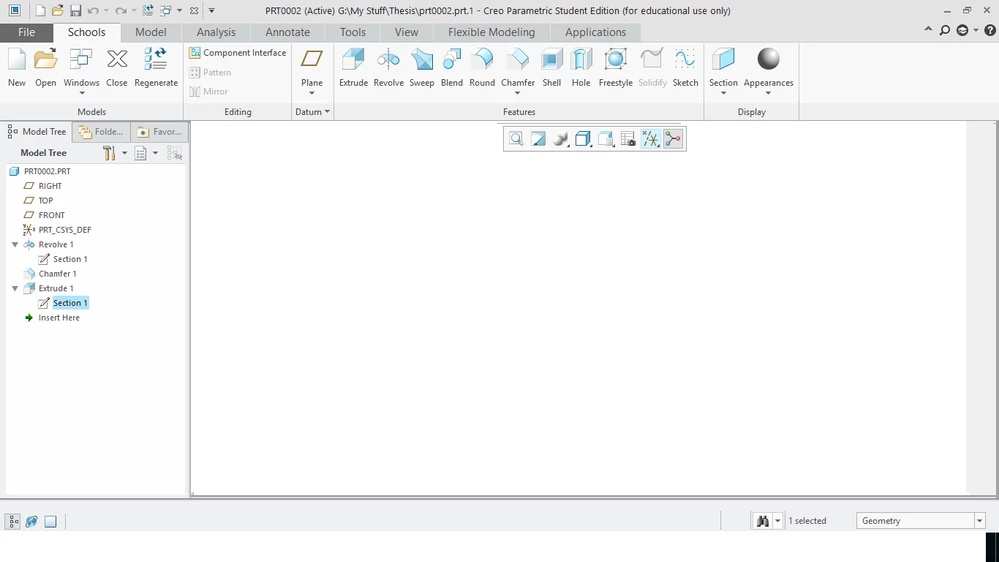
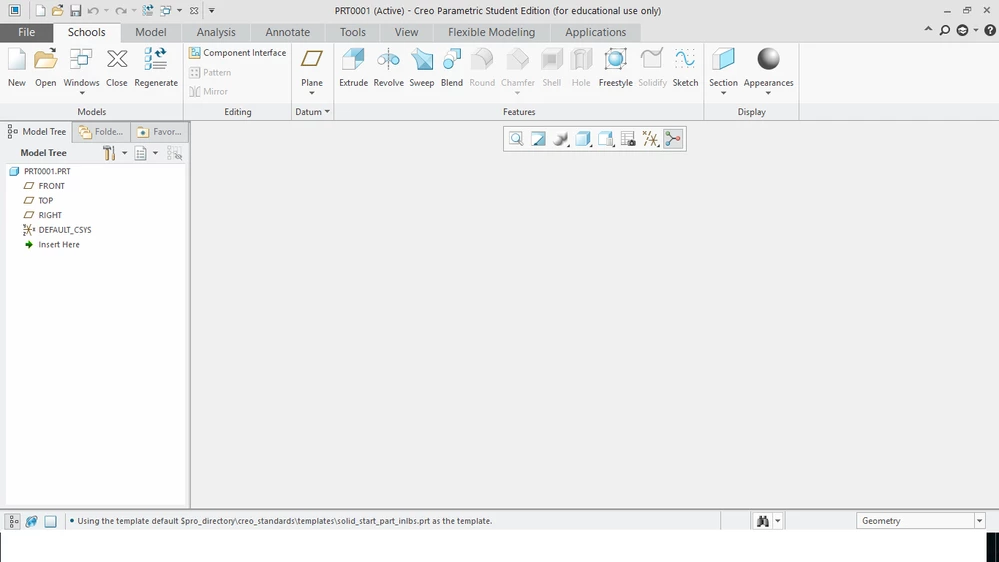
When I open the new doc/page, it's completely blank. I could not able to see any coordinates.

I have changed view settings to unhide. But the same problem persists.

if I open any drawing, I can see every feature that what I have used but no drawing.

You can see in the screenshot.

Please suggest me on this.ptc.pngptc2.pngptc2.png
 

 Thanks and Regards

Rohith

7 replies

Nov 21, 2017 1:55 PM UTC

Hi,


no solid geometry is displayed in opened prt0002 part. The possible reason of this problem could be graphic drivers.


1.] put following option into config.pro file and test Creo

graphics  win32_gdi


2.] update graphic card drivers, if it is possible.

RohithAuthor
Nov 21, 2017 2:27 PM UTC

Hi Martin,


Thanks for your suggestion. 

I have reinstalled the graphics driver. It is working fine.


Thanks and Regards

Rohith

Nov 21, 2017 5:56 PM UTC

Just forget to inform you that setting graphics  win32_gdi option is temporary solution. It is necessary to remove the option, if updating graphic drivers resolves the problem.

Nov 22, 2017 1:11 PM UTC

Have you unhid all of the layers in the layer tree?

RohithAuthor
Nov 23, 2017 10:22 AM UTC

Yes...I unhide all the layers


Nov 23, 2017 12:44 PM UTC

You may mark Martin's valuable information as solution of the post.