Question
To hide reference Dimension in layer.
Hi All, When I create reference dimension in Creo3, also want to hide reference dimension in layers,but when I use Creo3 can't to hide it.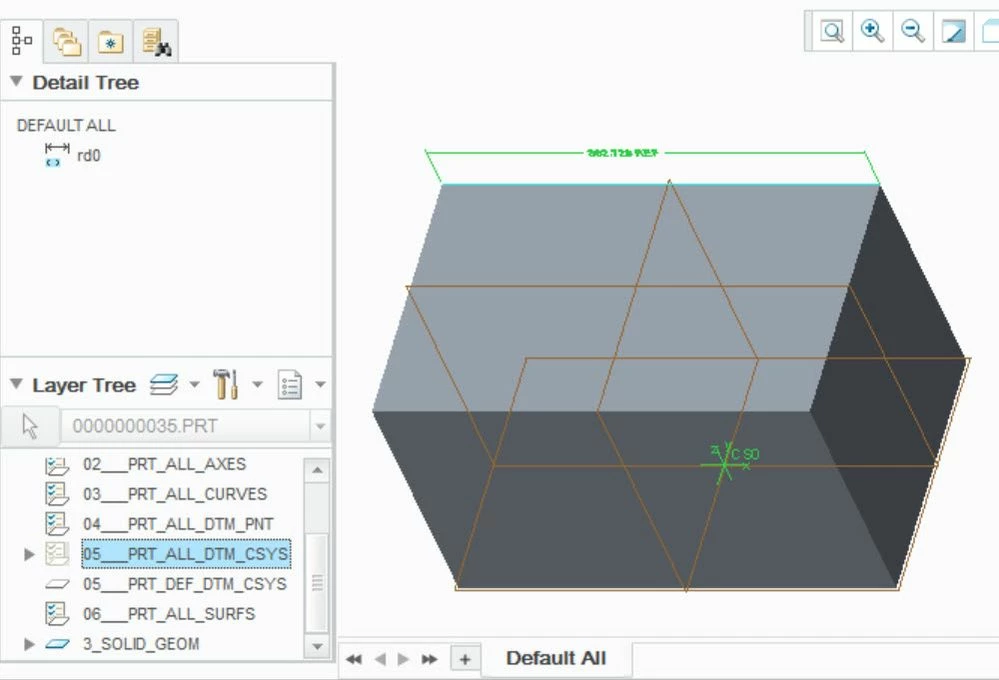

Hi All, When I create reference dimension in Creo3, also want to hide reference dimension in layers,but when I use Creo3 can't to hide it.
Enter your E-mail address. We'll send you an e-mail with instructions to reset your password.