Solved
Surface finish symbol attached to the surface in Creo Drawing
Hello!
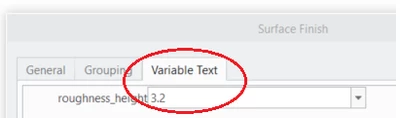
How do I add the surface finish symbol onto the surface that needs to be machined?
Desired symbol is Ra 3.2 (machining required, all around).
Best regards,
Sergey

Hello!
How do I add the surface finish symbol onto the surface that needs to be machined?
Desired symbol is Ra 3.2 (machining required, all around).
Best regards,
Sergey
Enter your E-mail address. We'll send you an e-mail with instructions to reset your password.