
May 29, 2017 12:58 PM UTC
Solved

slow visuals - imported Zemax rayfile

I have imported a large ray-file from Zemax (lots of datum curves, the part with the rays is 42MB) and now Creo (2.0 M180) is locking up after i move,rotate or pan the part.

The movement is OK, but when I stop moving, then Creo is unresponsive.

The grafic card (M3000M) is not stressed (load stays below 8%), but I do see that CPU load increases 5->13%.2017-05-29 14_49_35-EXAMPLE Creo Parametric.png
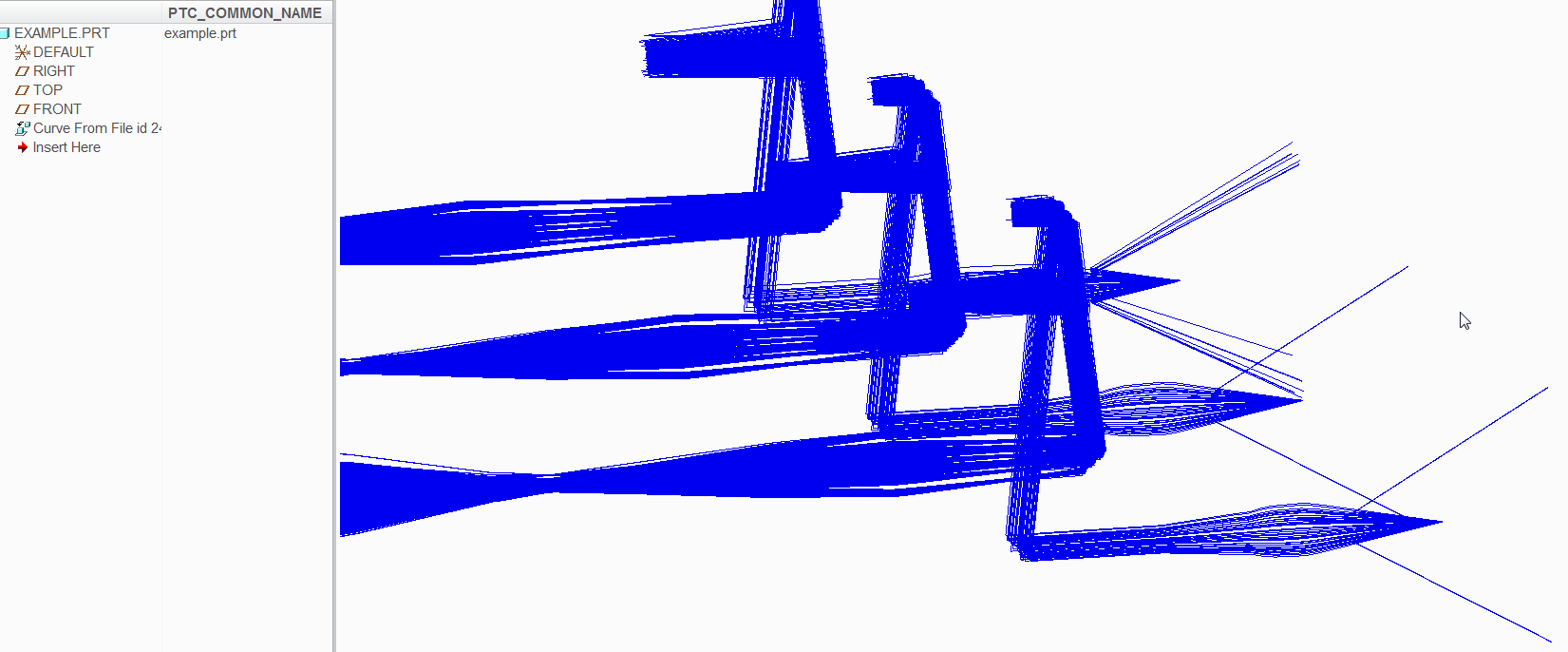
This only happens in an activated window, a non-active window doesn't have this problem.

Is there an option to make this faster?

psobejkoAnswer
May 29, 2017 7:09 PM UTC

do you try to turn off the pre-selection highlighting option (file->options->selection->Enable preselection highlighting)?

in my experience, creo isn't very "snappy" when you have a lot of entities (10k +).  I noticed it is especially painful if these imported lines are put into layers and you try to delete some of them from such layers.

2 replies

psobejkoAnswer
May 29, 2017 7:09 PM UTC

do you try to turn off the pre-selection highlighting option (file->options->selection->Enable preselection highlighting)?

in my experience, creo isn't very "snappy" when you have a lot of entities (10k +).  I noticed it is especially painful if these imported lines are put into layers and you try to delete some of them from such layers.

bmalfaitAuthor
May 30, 2017 7:22 AM UTC

Creo is indeed more responsive if you turn off the pre-selection, thanks.