
Sep 4, 2019 9:05 PM UTC
Solved

Remove all breaks in an axis line

I have a question in drawing environment,  about axis lines that already have a break because there is a dimension there:eix_1.jpg
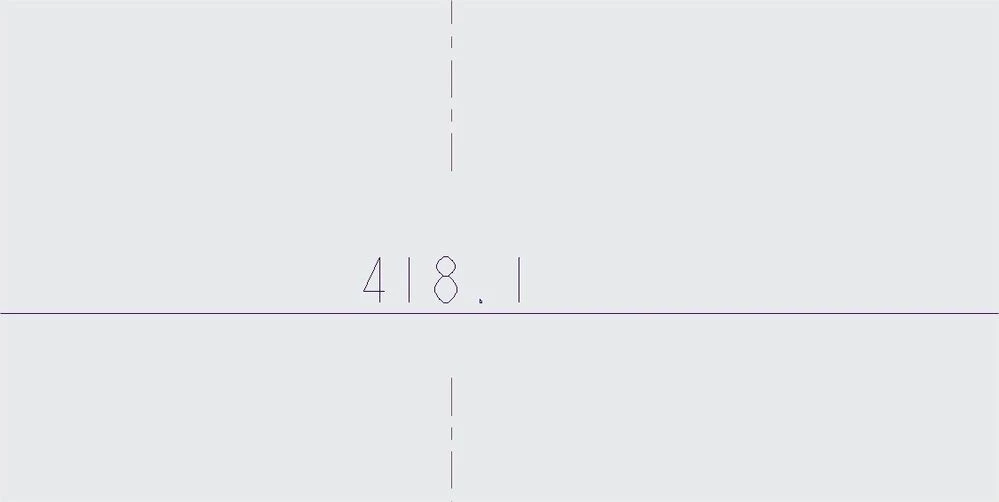
some days after, the dimension is no longer necessary, so I delete it. How can I remove the break in the axis line?

eix_2.jpg

I am using creo4. Thank you very much

StephenWAnswer
Sep 5, 2019 10:29 AM UTC

While in the Annotate tab, select the Axis, then in the ribbon in the Delete area, there is REMOVE ALL BREAKS icon.

1 reply

StephenWAnswer
Sep 5, 2019 10:29 AM UTC

While in the Annotate tab, select the Axis, then in the ribbon in the Delete area, there is REMOVE ALL BREAKS icon.