Solved
Part - Copy Geometry - Bodies - Hide Copy Geom Feature
- 2 replies
- 1681 views
Hi,
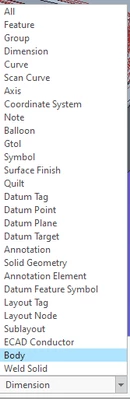
i have a part where i am using copy geometry(external). I put in the assembly i want to reference, deselect Publish Geometry, and then choose Bodies and select the body i want to reference.
I want to hide the body when i'm all done. Creo is not hiding the body. I have created a new layer and hidden the layer but that isn't working either.
See screenshot attached. The Tubing should be the only piece that is visible.
Creo 8.0.10.0
Thanks