Nov 13, 2021 11:49 AM UTC
Solved

Line thickness of detailed view when printing/making pdf

I want to change the thickness of the detail view line. @MartinHanak 
Capture.JPG

.

Capture2.JPG

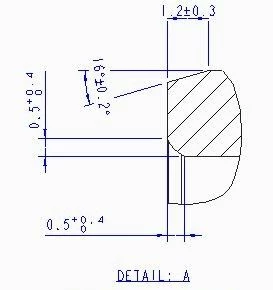
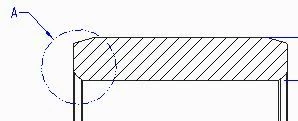
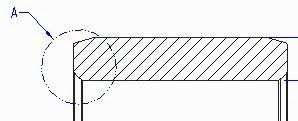
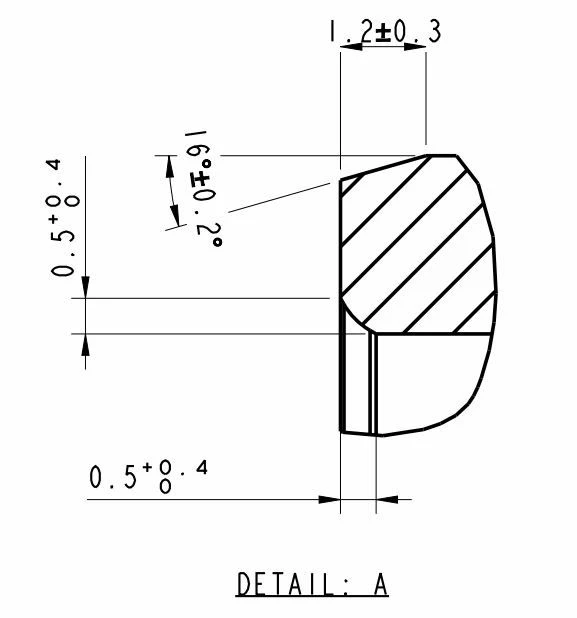
this the detailed view

.

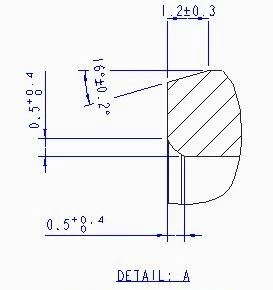
and this is how it look in the pdf.
Capture3.JPG

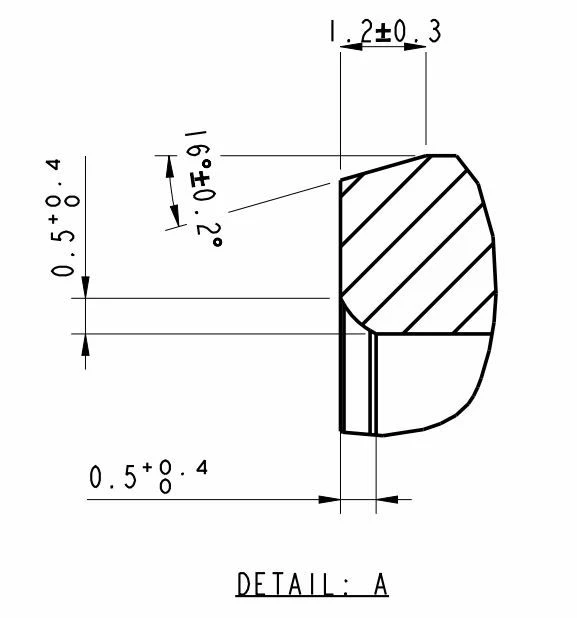
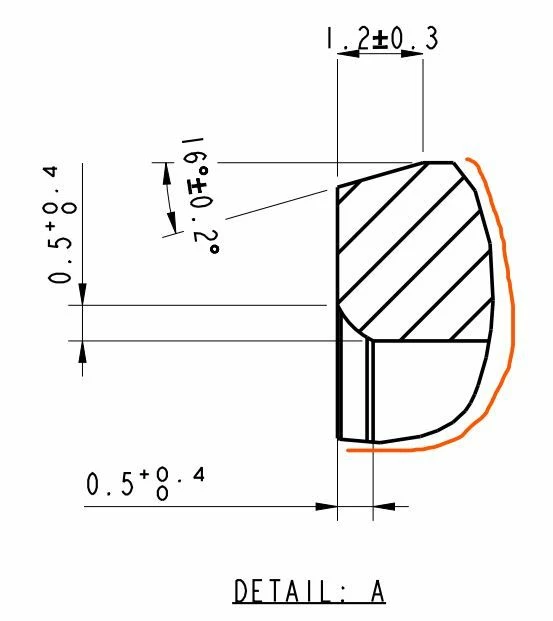
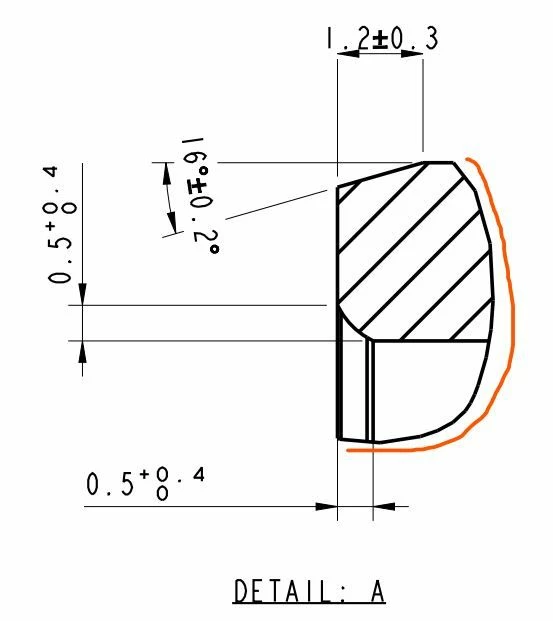
and I want to make the marked curve thinner than the drawing
Capture4.JPG

Nov 15, 2021 5:59 AM UTC

@SP_10114936 wrote:

I want to change the thickness of the detail view line. @MartinHanak 

Capture.JPG

.

Capture2.JPG

this the detailed view

.

and this is how it look in the pdf.

Capture3.JPG

and I want to make the marked curve thinner than the drawing

Capture4.JPG


Hi,

in Partial view you cannot set color of view lines.


If detail option line_style_standard std_ansi is set then outline is assigned Geometry color and pen 1 is used to draw outline by default.


If detail option line_style_standard std_din is set then outline is assigned Letter color and pen 2 is used to draw outline by default.


You can hide view outline and sketch spline that replace it. The spline can be assigned any color.


See outline.mp4 video.

6 replies

Nov 15, 2021 5:59 AM UTC

@SP_10114936 wrote:

I want to change the thickness of the detail view line. @MartinHanak 

Capture.JPG

.

Capture2.JPG

this the detailed view

.

and this is how it look in the pdf.

Capture3.JPG

and I want to make the marked curve thinner than the drawing

Capture4.JPG


Hi,

in Partial view you cannot set color of view lines.


If detail option line_style_standard std_ansi is set then outline is assigned Geometry color and pen 1 is used to draw outline by default.


If detail option line_style_standard std_din is set then outline is assigned Letter color and pen 2 is used to draw outline by default.


You can hide view outline and sketch spline that replace it. The spline can be assigned any color.


See outline.mp4 video.

Nov 15, 2021 12:47 PM UTC

In Acrobat open your pdf version of the drawing and then use ctrl+5 keys to alter the line weight display. This will make the visible lines thinner and should display correctly. This may resolve the issue you are having.

Nov 15, 2021 4:56 PM UTC

@tbraxton wrote:

In Acrobat open your pdf version of the drawing and then use ctrl+5 keys to alter the line weight display. This will make the visible lines thinner and should display correctly. This may resolve the issue you are having.


Hi,

what Acrobat version is able to alter the line weight ? Full version ? Acrobat Reader ?

Nov 15, 2021 5:06 PM UTC

All versions of Acrobat and Acrobat reader I have ever used support this. I am using Acrobat Reader XI currently and this works. It is quite useful for clarity when visible lines are overlapping in a view.


Creo PDF from dwg as seen in reader:

tbraxton_0-1636996512789.png


Same file after using ctrl+F5

tbraxton_1-1636996551710.png