Jul 14, 2017 2:39 PM UTC
Solved

How to create diameter dimension with one click left mouse and then middle mouse in drawing ?
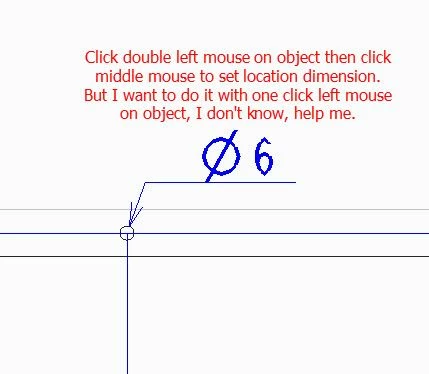
14-07-2017 9-30-00 PM.jpg


But I want to do it with one click left mouse on object, I don't know, help me.

Thank you so much ! 

 

StephenWAnswer
Jul 14, 2017 2:49 PM UTC

There is no single click method for a diameter dimensions.

Single left click and then middle to place is for radius dimensions.

Double left click and then middle to place is for diamter dimensions.

4 replies

StephenWAnswer
Jul 14, 2017 2:49 PM UTC

There is no single click method for a diameter dimensions.

Single left click and then middle to place is for radius dimensions.

Double left click and then middle to place is for diamter dimensions.

ttathanhAuthor
Jul 14, 2017 3:00 PM UTC

I want : Single left click and then middle to place is for diamter dimensions.

Don't  have a method ?

Jul 14, 2017 3:48 PM UTC

Not possible!

One left click for radius

Two left clicks for diameter

Middle click to place

Jul 14, 2017 5:18 PM UTC

This is not possible in Creo, but: if you have a mouse with 3+ buttons - then you can probably map one of them to do a "double click" ...