Question
How to control orientation of dimension in 4.0
I am trying to create a horizontal dimension to the silhouette curves af a part. In 2.0 I would get prompted for dimension orientation.
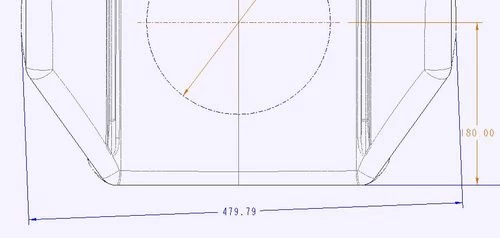
Is there a trick to create the needed dimension in 4.0?

I am trying to create a horizontal dimension to the silhouette curves af a part. In 2.0 I would get prompted for dimension orientation.
Is there a trick to create the needed dimension in 4.0?
Enter your E-mail address. We'll send you an e-mail with instructions to reset your password.