
Sep 18, 2019 6:53 AM UTC
Question

Hide sketches and default arrow style

Hi,


I have two questions:


1. I have created a sketch and used it to create tubes with the AFX-module. Then I hid the sketch with the score through eye-symbol and the lines weren't visible anymore. The problem started when I save the assembly and reopen it. Then all the Lines of the sketches are visible again and I have to hide them again. Is there a configuration to hide the lines/sketches permanently ?


2. How is it possible to define the default arrow style in Creo ? When I create balloons (with a BOM) the arrows look like this:
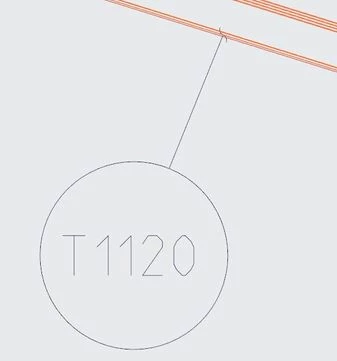
 

Creo_Pfeil1.JPG

But I want them to look like that per default:
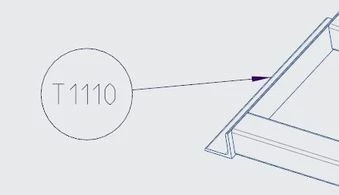
 

Creo_Pfeil2.JPG


Thanks a lot,

Maik

3 replies

Sep 18, 2019 9:14 AM UTC

@MaikTheBike wrote:

Hi,


I have two questions:


1. I have created a sketch and used it to create tubes with the AFX-module. Then I hid the sketch with the score through eye-symbol and the lines weren't visible anymore. The problem started when I save the assembly and reopen it. Then all the Lines of the sketches are visible again and I have to hide them again. Is there a configuration to hide the lines/sketches permanently ?


2. How is it possible to define the default arrow style in Creo ? When I create balloons (with a BOM) the arrows look like this:


Creo_Pfeil1.JPG

But I want them to look like that per default:


Creo_Pfeil2.JPG


Thanks a lot,

Maik


Hi,

1.] you have to save layer status

2.] set following detail options properly

default_leader_arrow_style
def_bom_balloons_edge_att_sym
def_bom_balloons_surf_att_sym

Sep 18, 2019 12:04 PM UTC

1. As Martin said, after you hide the sketch with the eye symbol, you have to go to the layer tree:

SK1.jpg


and then, right click and choose 'Save Status':

SK2.jpg

Sep 19, 2019 5:19 AM UTC

Thanks for your help. It works perfectly.Smiley Wink