
Nov 18, 2015 4:20 PM UTC
Question

Creo 3.0 3D Annotation

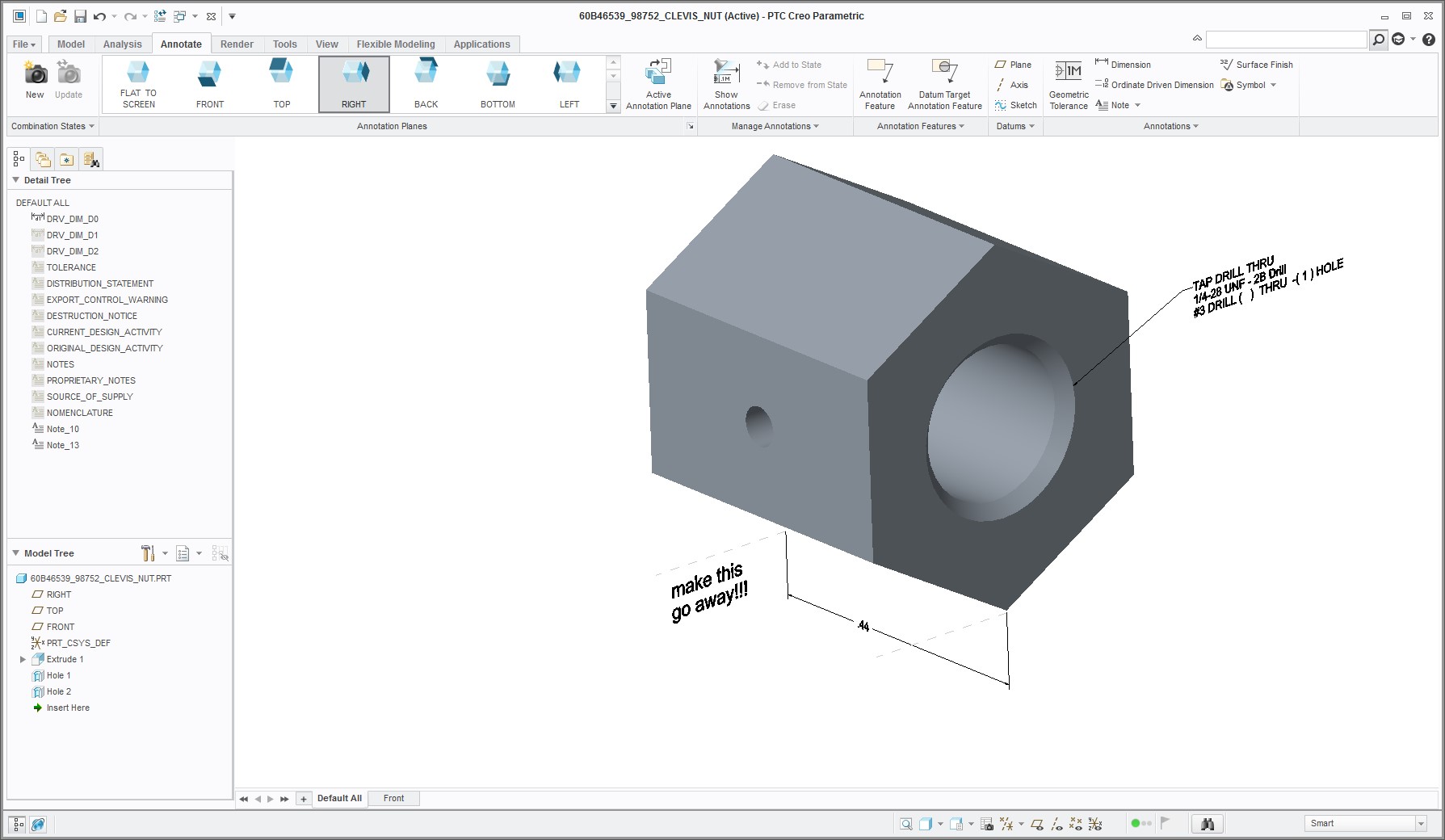
When I move a shown dimension to a new plane in a 3D model (not a drawing) it creates little dashed offset lines. I have tried picking the lines, moving the lines to a new layer then turning off that layer. So far, I can't do anything to make these lines go away! Please HELP!!
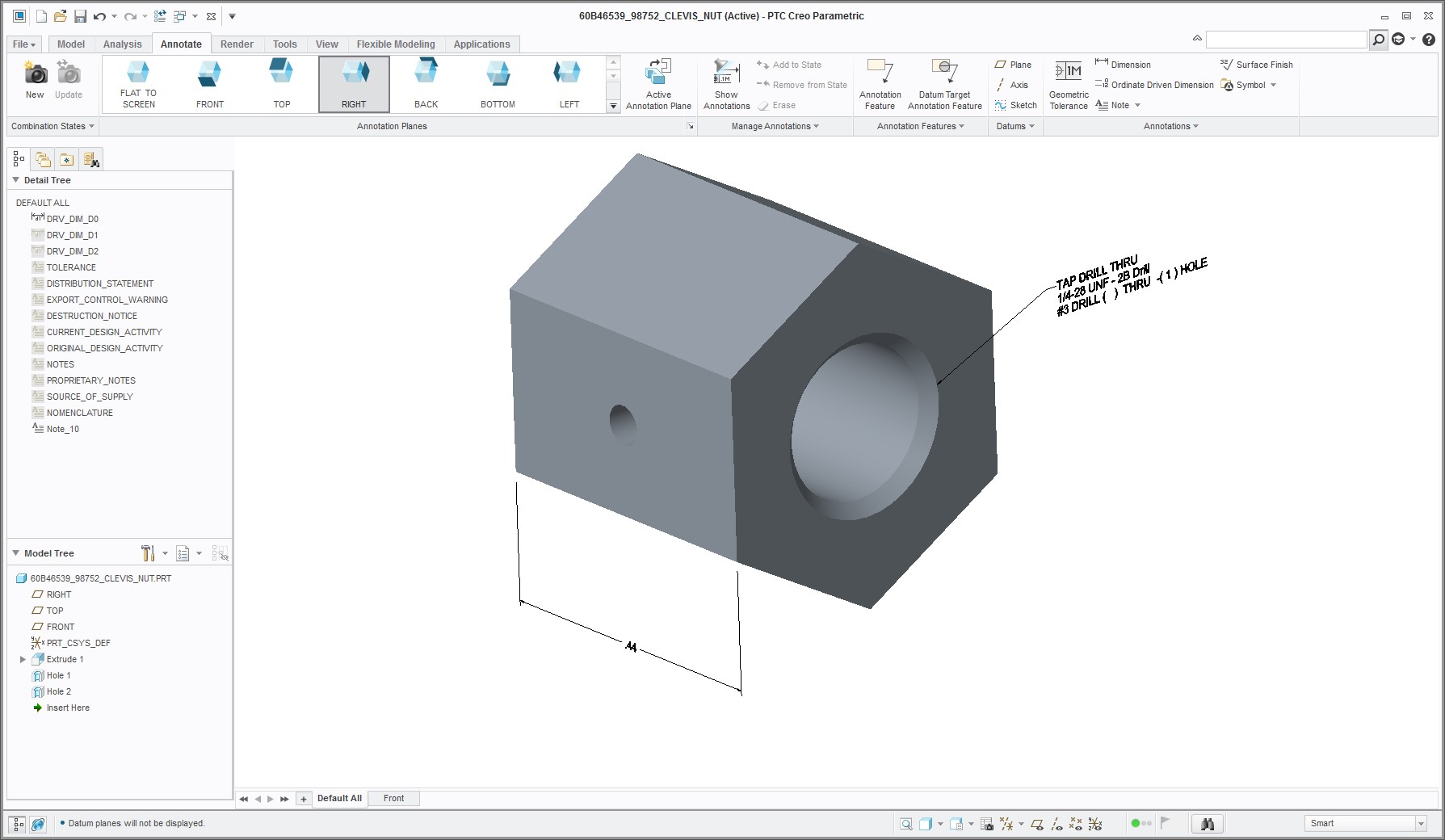
dwg_1.jpg

dwg_2.jpg

4 replies

Jan 15, 2016 4:36 PM UTC

Scott,

Set config option display_z_extension_lines as no to control the display.

Oct 2, 2019 9:08 PM UTC

Those extension lines have been such a blight on my model views, and this config setting is the perfect remediation!  Thank you so much!

Oct 3, 2019 7:53 PM UTC

MaheshSh,


What else does that setting affect if I turn it to no ?