Mar 6, 2017 1:35 PM UTC
Solved

Créo 2 - Cotation/Dimension - orientation du texte

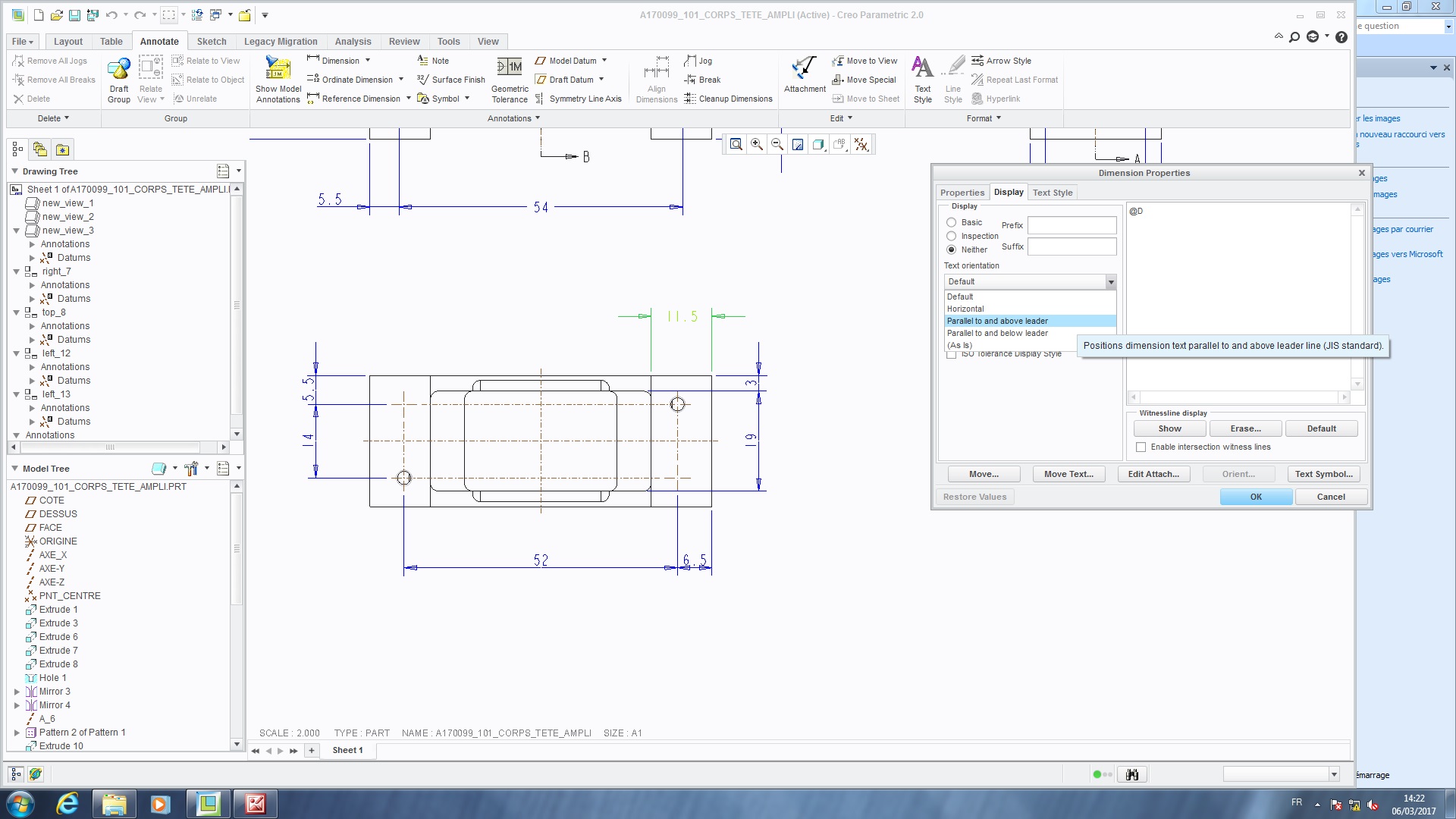
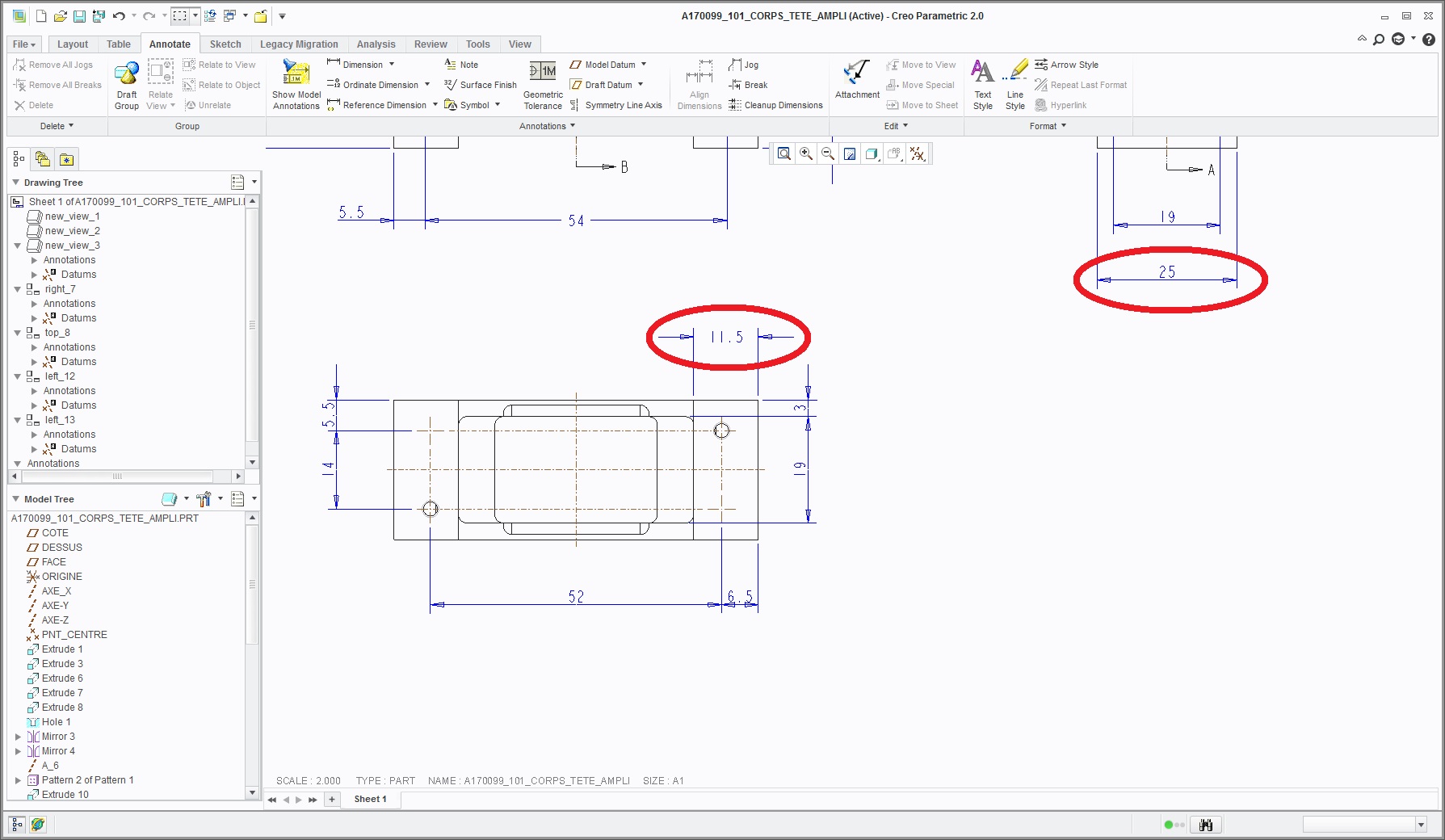
Hello, I would like to kwow how can i modify the CONFIG.PRO ----> to put dimension with text  "parallel to and above leader"  ??

Thank you.

Fabrice...
-

cot1.jpg

cot2.jpg

RaphMORINAnswer
Mar 6, 2017 2:22 PM UTC

Bonjour,

Voici ce que j'ai :

9 replies

RaphMORINAnswer
Mar 6, 2017 2:22 PM UTC

Bonjour,

Voici ce que j'ai :

Mar 6, 2017 2:40 PM UTC

See if this post helps:

Re: How can I change how dimension lines appear?

Thanks,

Dale

Mar 6, 2017 3:06 PM UTC

Hi,

this property is not set directly in config.pro. It is set in drawing setup file. config.pro contains drawing_setup_file option which points to drawing setup file.

MH

Mar 6, 2017 4:01 PM UTC

Hi and thank you Martin.

I copy the original file ( prodetail.dtl ) but sorry i don't know how i can edit it ....

Mar 6, 2017 5:38 PM UTC

Hi,

if you have prodetail.dtl file, you can edit it in Notepad/Notepad++//Wordpad. Then in config.pro define drawing_setup_file option which points to prodetail.dtl (enter full path to file). In this situation when you create new drawing, Creo copies the contents of prodetail.dtl file into the drawing. Later if you want to change settings in existing drawing, you click File > Prepare > Drawing Properties and then in Detail Options you click change and modify what you want.

MH

Mar 9, 2017 7:11 AM UTC

Bonjour Raphaël,

peux tu m'envoyer ton fichier prodetail.dtl   ???

merci.

Fabrice

Mar 9, 2017 2:34 PM UTC

Bonjour Fabrice,

Ci-joint mon fichier dtl "standard"

Mar 14, 2017 9:39 AM UTC

ok. merci bien.