Jan 25, 2017 8:53 AM UTC
Solved

call family table instance with pro/programs

hello everyone,

i want to replace  *.prt with pro/programm from family table

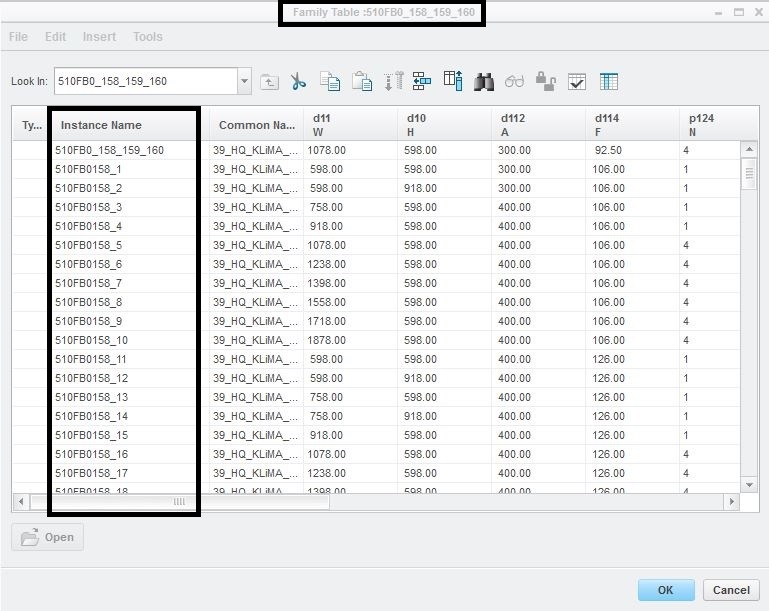
but this *.prt is generic it have a family table

how can i replace?
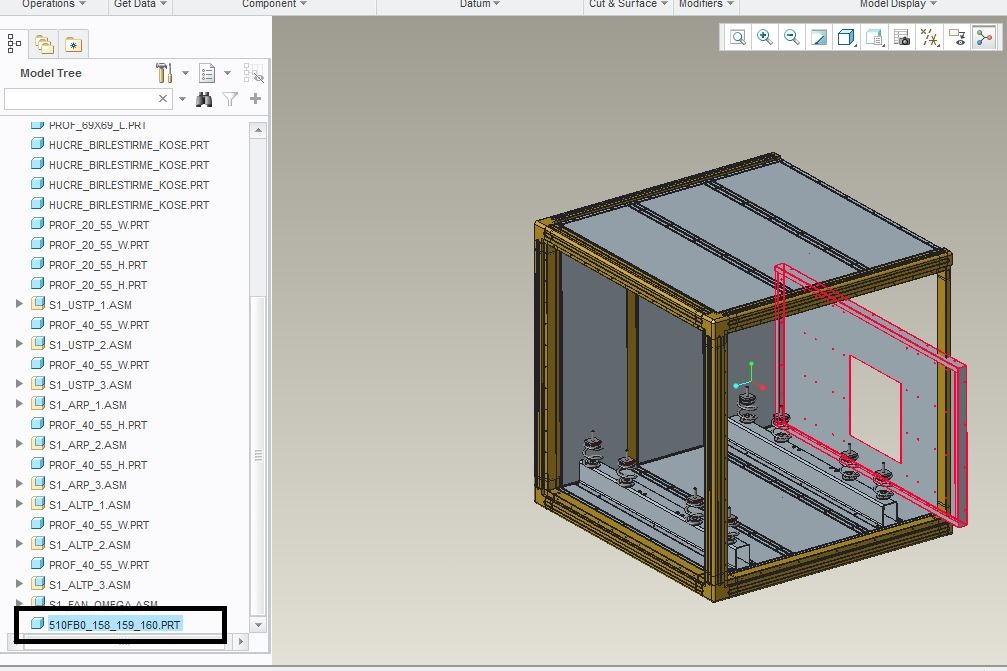
2.JPG

1.JPG

Best Regards,

Cömert YILMAZ

HamsterNLAnswer
Jan 26, 2017 4:06 PM UTC

If you know the name of the instance you want to place, it's easy...

Put this in your RELATIONS (or use an INPUT PARAMETER)

MY_INSTANCE = "510FB0158_1"

Then open your PRO/PROGRAM and look where the current part is being placed.

ADD PART 510FB0_158_159_160

...

END ADD

Now replace "510FB0_158_159_160" with "(MY_INSTANCE)"

ADD PART (MY_INSTANCE)

..

END ADD

Now change the value of MY_INSTANCE 🙂

When this succeeds, you could also look into the "lookup_inst" function...but that's a whole different ballgame

7 replies

Jan 25, 2017 3:15 PM UTC

See Creo Parametric Help Center Example: A Parametric Design for a Blender Cover

Jan 26, 2017 11:42 AM UTC
HamsterNLAnswer
Jan 26, 2017 4:06 PM UTC

If you know the name of the instance you want to place, it's easy...

Put this in your RELATIONS (or use an INPUT PARAMETER)

MY_INSTANCE = "510FB0158_1"

Then open your PRO/PROGRAM and look where the current part is being placed.

ADD PART 510FB0_158_159_160

...

END ADD

Now replace "510FB0_158_159_160" with "(MY_INSTANCE)"

ADD PART (MY_INSTANCE)

..

END ADD

Now change the value of MY_INSTANCE 🙂

When this succeeds, you could also look into the "lookup_inst" function...but that's a whole different ballgame

cyılmazAuthor
Jan 30, 2017 10:49 AM UTC

thank you so much  for help

Jan 31, 2017 12:57 PM UTC

No problem.

If you want to know more about the lookup_inst then just give a shout 🙂